 Swip
Swip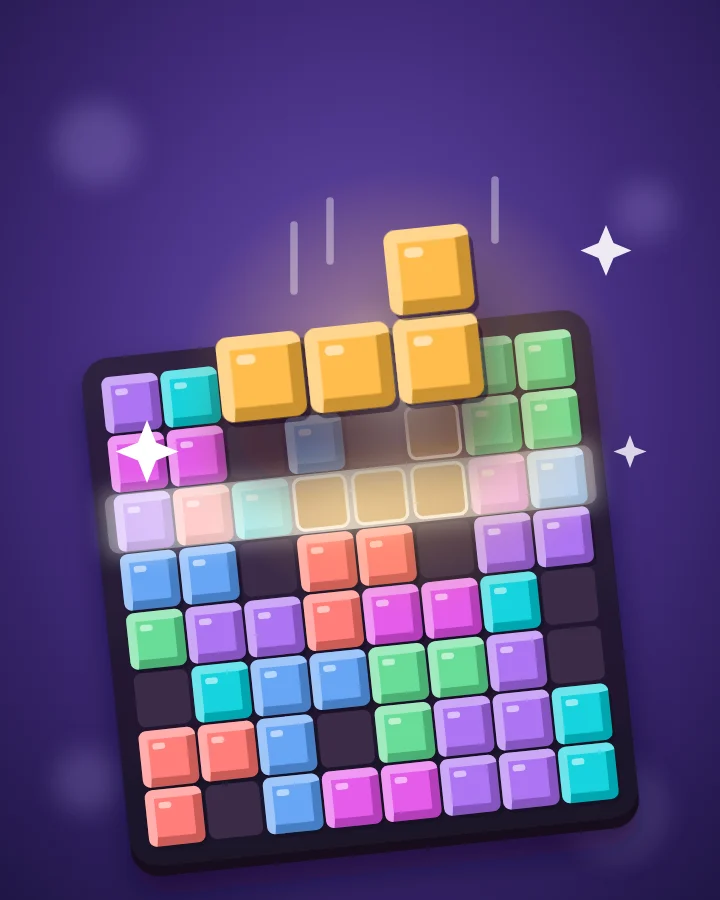
Puzzle
Block Puzzle
Free 8×8 block puzzle game you can play in your browser
Fit jewel-colored pieces onto an 8×8 board and make room with satisfying line clears.
Play Block Puzzle freeNo download, no account, no forced ads. When you're done, swipe up for the next game.
How to play Block Puzzle
- Drag a piece onto the board, or select a piece and tap its top-left landing cell.
- Place the three pieces in any order without rotating or overlapping them.
- Fill any row or column to clear it; crossing lines clear together.
- Earn one point per block placed and 10 per cleared line, multiplied by consecutive clearing moves.
- Receive three new pieces after using the current set.
- The run ends when none of the remaining pieces fit.
- Keyboard: 1/2/3 to select, arrows to position, Enter to place, Escape to cancel.
Questions
Is Block Puzzle free?
Yes. Block Puzzle is free to play on Swip, with no download and no account needed.
Does Block Puzzle have ads?
No forced ads. Lots of free games play an ad after every round. Swip never does: when a round ends you play again or swipe to the next game straight away. An ad is only ever one you choose, like an extra revive to push your score, and some hints are free.
Can I play Block Puzzle on my phone?
Yes. It runs in the browser on phones, tablets and computers, and you can install Swip from your browser as an app.
What is Swip?
Swip is TikTok for games: a feed of 33 quick games you swipe through. Finish a round of Block Puzzle, then swipe up for the next game.
More games on Swip
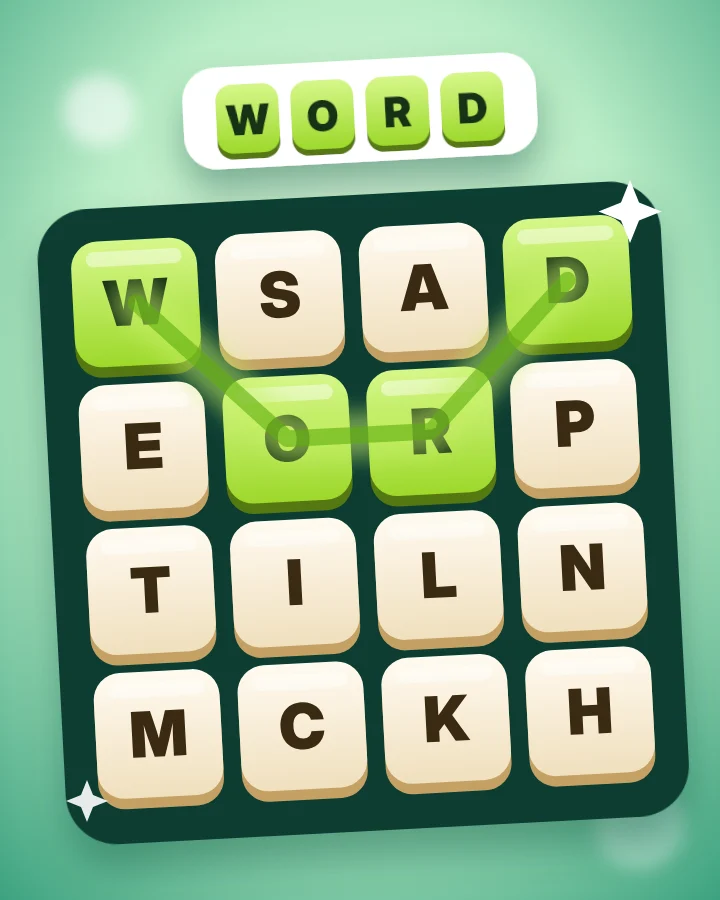 Word Swipe
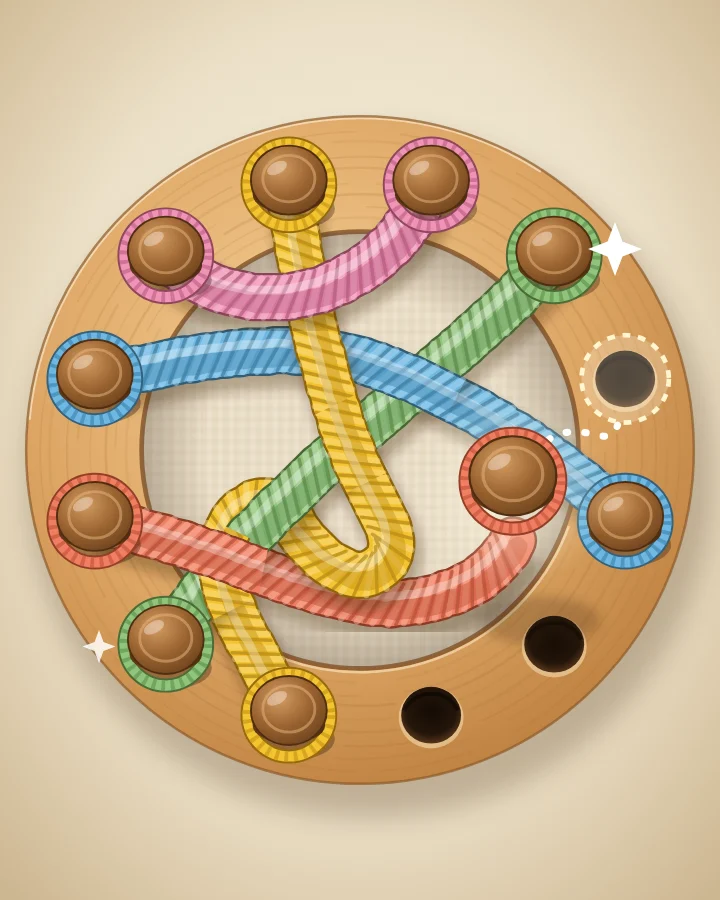 Untangle
 STACK
STACK Parking Jam
 Bolt Sort
 Bubble Bloom
 Laser Trace
 Word Guess
Play Block Puzzle, then keep swiping
Swip is TikTok for games. Every swipe brings up another quick game.
Play now